




Run Your Restaurant From One Dashboard
Keep every app you're on. DashForFood brings their orders into one screen, next to your own pickup if you turn it on.
The Overview Screen
What's paid, what's next and what needs a person, the moment you sign in.
- Up NextPaid orders in the order they came in, so the oldest ticket never gets lost.
- Needs AttentionLow stock, a declined card, a review waiting on a reply, all in one list.
- Sales and Best SellersToday against the same time last week, and what's selling this month.
 DashForDevs
 CodeCraft Studios
Instead of 3 Dashboards, One
Keep DoorDash, Uber Eats and Square. Instead of a tablet and a login for each, their orders come into one DashForFood screen, next to your own pickup orders.
- DoorDashComing soonOrders in the same queue as your own · One menu, kept in sync
- Uber EatsComing soonOrders in the same queue as your own · One menu, kept in sync
- SquareComing soonRegister sales next to online orders · Items and prices from one place
- Every app's orders in one queue (coming soon)
- Your own pickup and delivery, if you turn it on
- One menu, kept in sync
- Every guest, their orders and their meal plans
- Every location, with staff locked to theirs
DoorDash, Uber Eats and Square connections are in development and not available yet. They're trademarks of their owners; DashForFood isn't affiliated with them.
From the First Order to the Standing One
One guest record behind every screen, so the kitchen, the front of house and the owner all see the same order.
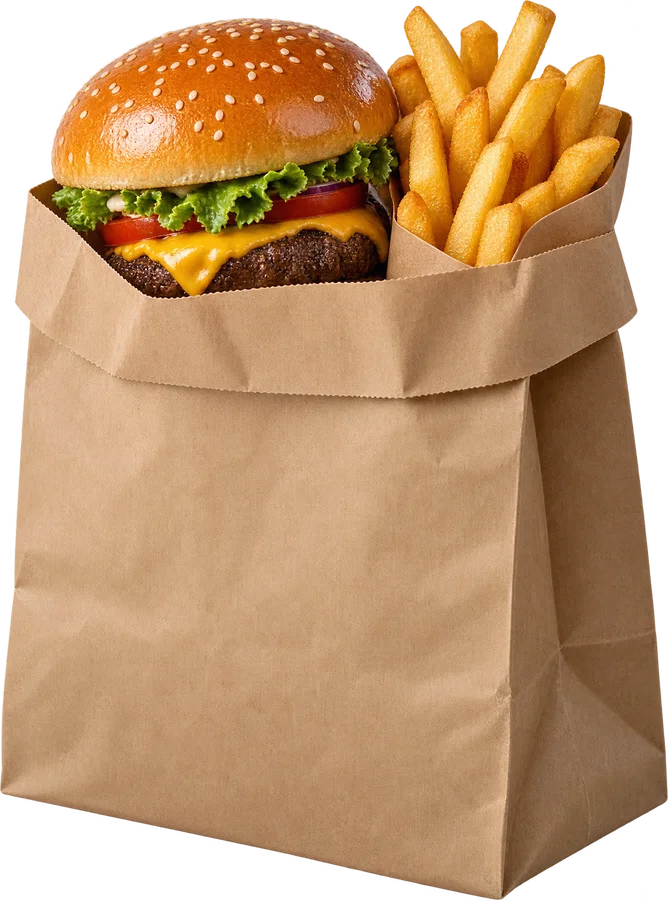
Every Order in One Queue
Your own pickup and delivery orders land in one list the moment they're paid, oldest first. DoorDash, Uber Eats and Square orders join them as those connections arrive.
- Paid, ready and handed off at a glance
- Refunds and receipts from the order itself
- Discount codes applied at checkout
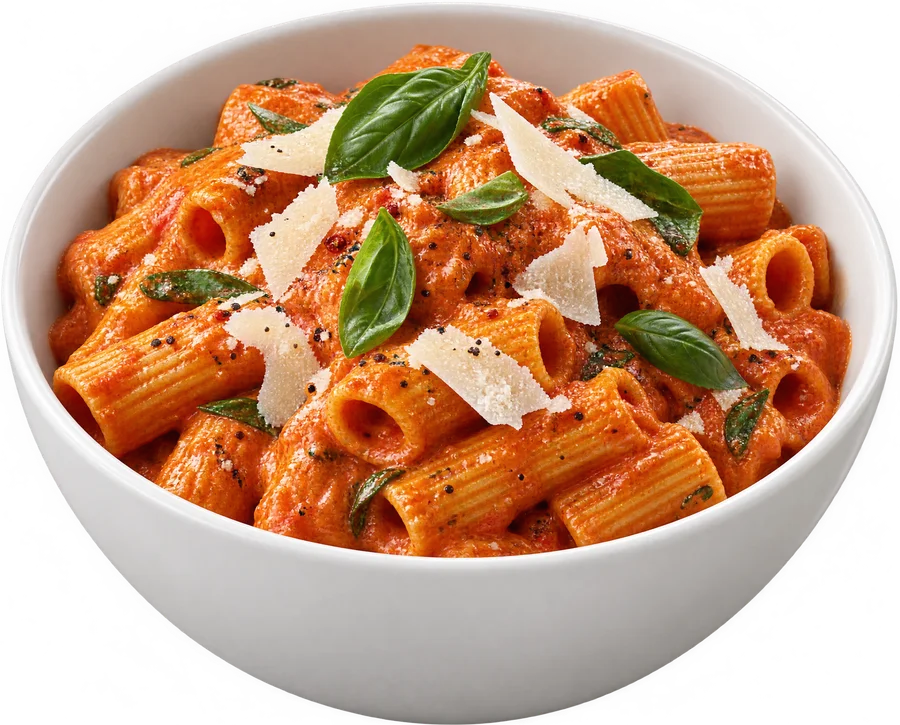
A Menu You Change in Seconds
Sizes, prices, photos and stock for every dish. Change it here and your website shows it right away.
- Half, full and family sizes with their own prices
- Hide a dish the moment it runs out
- Categories in the order guests read them
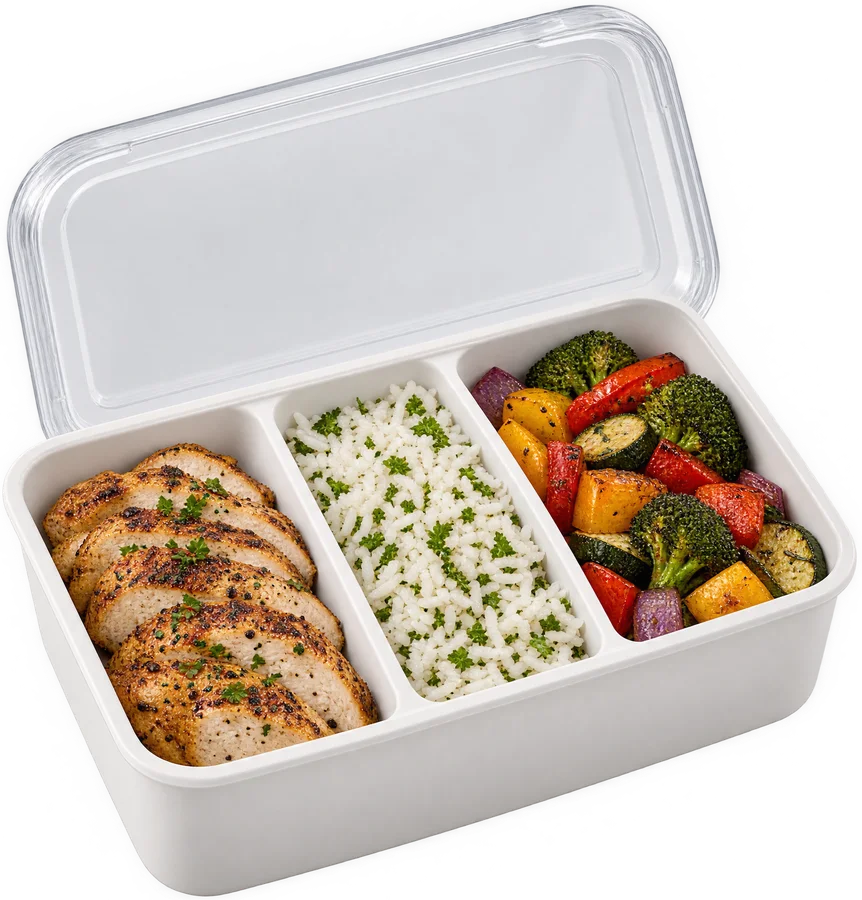
Meal Plans That Run Themselves
Weekly boxes and standing orders charge the card on file and repeat on schedule, and guests skip or pause from their account.
- Any interval, with a plan discount
- Past-due cards flagged on Overview
- Every delivery logged on the guest

Guests and Reviews in One Place
See what each guest orders and how often, and answer reviews from verified orders without leaving the dashboard.
- Low ratings stay on Overview until you reply
- Order history and messages on one record
- Texts and emails logged where you'll find them
What's Covered
Turn on what the business uses. Everything shares the same guests, menu and orders.
- OrdersEvery order in one queue: your own pickup and delivery, and the delivery apps (coming soon).
- Menu ItemsDishes with sizes, options, prices and photos, served to your site.
- CategoriesStarters, mains, drinks: the menu's sections, in the order guests read them.
- StockCounts per item, with a heads-up before a best seller runs out.
- Meal PlansWeekly boxes and standing orders that charge and repeat on a schedule.
- DiscountsCodes and offers with limits, start and end dates.
- GuestsEvery guest's orders, plans and messages on one record.
- ReviewsRead, publish and reply to reviews from verified orders.
- Texts and EmailsOrder updates and follow-ups, logged on the guest.
- ShippingLabels and tracking for the boxes and goods you mail.
- Payments and PayoutsCard payments on your own Stripe account, refunds included.
- Website ContentPages, blog, media and legal pages for your site, through the SDK.
- Reports and AnalyticsSales, best sellers, repeat guests and first-party site analytics.
- Team Roles and Audit LogFront of house sees orders, the owner sees the money, and every change is logged.
Simple Pricing
One plan with every module and your whole team, plus what you use.
DashForFood
$22.99/ month
Plus usage
Get Started- Every module
- Your whole team, no per-seat pricing
- Payments on your own Stripe
- Website SDK, pages, blog and media
What Usage Covers
- Texts
- Quoted per account
- Emails
- $0.0010 each
- File storage
- $0.10 per GB a month
- API calls
- $0.0150 per 1,000
- Card processing
- Stripe's rate, on your Stripe
- Platform fee per paid order
- $0 unless agreed
Usage is invoiced monthly with your plan. Your billing page shows what you've used so far and the estimated next invoice.
Common Questions
Do You Take a Cut of My Orders?
Card payments run on your own Stripe account at Stripe's rates. A platform fee per paid order is zero unless you have agreed one with us.
Do I Have to Leave DoorDash or Uber Eats?
No. Keep every app you're on. DashForFood brings their orders into one screen, so you have one dashboard open instead of three. The DoorDash, Uber Eats and Square connections are coming soon; today it runs your own pickup and delivery orders, if you turn them on.
Do I Need a Developer?
Not to run the restaurant; the dashboard works on day one. Connecting your website through the SDK is a developer task, or ask us to do it.
Who Is Behind It?
DashForFood is built and run by DashForDevs, the commerce platform for developers, with CodeCraft Studios.
Run the Whole Restaurant From One Place
Orders, the menu, guests and the money, in one dashboard your whole team can use.